
A Complete Guide to Setting Up Your Home Office – When it comes to working from home, having a well-designed home office is crucial for your productivity and efficiency. Your home office should be a dedicated space that allows you to focus and concentrate on your work without distractions. It should also be a comfortable and organized environment that promotes creativity and reduces stress.
A Complete Guide to Setting Up Your Home Office
One of the main advantages of having a well-designed home office is the ability to separate your work life from your personal life. When you have a designated space for work, it becomes easier to maintain a work routine and avoid the temptation of getting distracted by household chores or personal tasks. Additionally, a well-designed home office can help you create a professional atmosphere, which is essential for virtual meetings and client interactions when working from home.
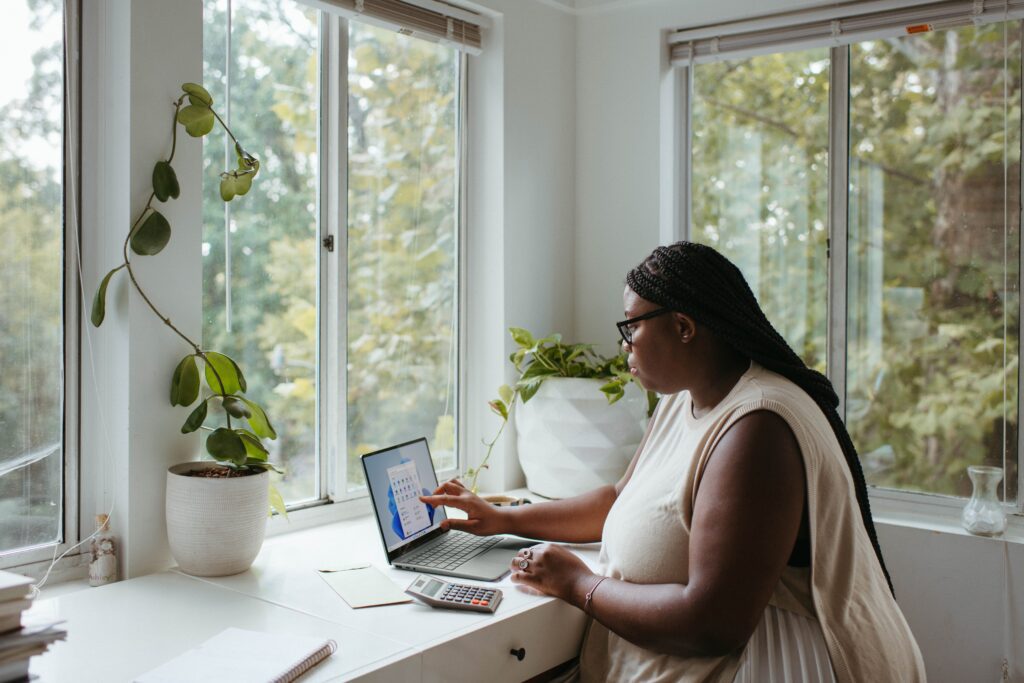
To create a well-designed home office, start by choosing the right location within your home.
Choosing the right location for your home office
The location of your home office is crucial for your productivity and comfort. Ideally, you should choose a quiet and isolated area of your home where you can work without interruptions. If possible, select a room with a door that can be closed to minimize noise and distractions.
Consider the amount of natural light in the room. Natural light not only improves your mood but also reduces eye strain and fatigue. Choose a location with windows or install proper lighting to ensure a well-lit workspace.
Another important factor to consider when choosing a location is the proximity to amenities such as a bathroom or kitchen. Having easy access to these facilities will save you time and minimize interruptions during your workday.
Once you have selected the perfect location for your home office, it’s time to equip it with the essential office equipment and supplies.
Essential office equipment and supplies
To set up a functional home office, you will need a few essential office equipment and supplies:
- Desk and Chair: Invest in a comfortable and ergonomic desk chair that provides proper support for your back and promotes good posture. Choose a desk that is spacious enough to accommodate your computer, monitor, and other necessary equipment.
- Computer and Peripherals: Select a reliable desktop or laptop computer that meets your work requirements. Consider additional peripherals such as a printer, scanner, and external hard drive if needed.
- High-speed Internet Connection: A reliable internet connection is vital for working from home. Choose a high-speed internet plan that meets your bandwidth needs.
- Phone and Headset: If your work involves frequent phone calls or video conferences, invest in a good-quality headset to ensure clear communication.
- Office Supplies: Stock up on essential office supplies such as pens, notebooks, sticky notes, and paper clips. Keep them organized and easily accessible to maximize your efficiency.
Once you have acquired the necessary equipment and supplies, it’s time to design a functional and ergonomic workspace.
Designing a functional and ergonomic workspace
A well-designed home office should prioritize functionality and ergonomics. Here are some tips to create a workspace that promotes productivity and reduces physical strain:
- Desk Layout: Position your desk in a way that allows you to easily reach all your essential equipment and supplies. Arrange your computer monitor at eye level to reduce neck strain, and keep frequently used items within arm’s reach.
- Ergonomic Chair: Adjust your chair to ensure that your feet are flat on the floor and your knees are at a 90-degree angle. Use a cushion or lumbar support if needed to maintain proper posture.
- Keyboard and Mouse Placement: Position your keyboard and mouse at a comfortable height and distance from your body. Avoid bending your wrists or straining your arms while typing or using the mouse.
- Lighting: Ensure that your workspace is well-lit to reduce eye strain. Use a combination of natural and artificial light sources to achieve optimal lighting conditions.
- Cable Management: Keep your cables organized and out of the way to prevent tripping hazards and maintain a clean and clutter-free workspace.
By designing a functional and ergonomic workspace, you can minimize physical discomfort and maximize your productivity. However, creating a distraction-free environment is equally important for a productive home office.
Creating a distraction-free environment
Working from home can present several distractions, such as household chores, family members, or the allure of personal devices. To create a distraction-free environment in your home office, consider the following strategies:
- Establish Boundaries: Communicate with your family members or housemates about your work schedule and the importance of uninterrupted work time. Set clear boundaries and ask for their cooperation in minimizing distractions.
- Noise-Cancelling Headphones: Invest in noise-cancelling headphones to block out external noises and create a focused work environment. Listening to instrumental music or white noise can also help drown out distractions.
- Digital Distractions: Minimize the temptation of digital distractions by turning off notifications on your personal devices or using productivity apps that block certain websites or apps during work hours.
- Organize and Declutter: Keep your workspace clean and organized to reduce visual distractions. Remove unnecessary items and only keep essential materials within reach.
Creating a distraction-free environment in your home office will allow you to concentrate on your work and be more productive. However, a reliable internet connection is also essential for remote work.
Setting up a reliable internet connection
A stable and fast internet connection is crucial for working from home. Here are some tips to ensure a reliable internet connection in your home office:
- Choose a Reliable Internet Service Provider: Research and compare different internet service providers in your area. Look for plans that offer high-speed and reliable connections with minimal downtime.
- Position Your Router Strategically: Place your router in a central location in your home to minimize signal interference. Avoid placing it near walls or other electronic devices that may interfere with the signal.
- Use Ethernet Connection: If possible, connect your computer directly to the modem/router using an Ethernet cable. This provides a more stable and faster connection compared to Wi-Fi.
- Invest in a Wi-Fi Extender: If your home office is located far from the router and experiences weak Wi-Fi signals, consider investing in a Wi-Fi extender or mesh network to boost the signal strength.
- Backup Connection: To ensure uninterrupted work, consider having a backup internet connection such as a mobile hotspot or a secondary internet service provider.

By setting up a reliable internet connection in your home office, you can avoid frustrating connectivity issues and maintain a smooth workflow. However, an organized system for your files and documents is also crucial for efficient remote work.
Organizing your files and documents
In a home office, it is essential to have an organized system for your files and documents. Here are some tips to keep your digital and physical files well-organized:
- Digital Files: Create a logical folder structure on your computer to store and organize your digital files. Use descriptive file names and consider using cloud storage services for easy access and backup.
- Physical Files: Use a filing cabinet or file folders to organize your physical documents. Sort them by category or project and label them accordingly. Regularly purge unnecessary documents to avoid clutter.
- Backup and Security: Regularly back up your digital files to prevent data loss. Consider using encrypted storage or cloud services to protect sensitive information.
- Digital Tools: Utilize productivity tools such as project management software, note-taking apps, or task management tools to keep track of your files and tasks.
By implementing an organized system for your files and documents, you can quickly locate information, save time, and maintain a clutter-free workspace. However, effective time management strategies are also crucial for maximizing productivity in a home office.

Time management strategies for working from home
Working from home requires discipline and effective time management to ensure productivity. Here are some strategies to manage your time effectively:
- Create a Schedule: Establish a daily or weekly schedule that includes your work hours, breaks, and personal commitments. Stick to your schedule as much as possible to maintain a routine.
- Prioritize Tasks: Identify your most important tasks and prioritize them based on urgency and importance. Use productivity techniques such as the Eisenhower Matrix or Pomodoro Technique to manage your time efficiently.
- Set Realistic Goals: Break down your tasks into smaller, manageable goals. Set realistic deadlines for each goal to stay motivated and avoid procrastination.
- Avoid Multitasking: Focus on one task at a time to maintain concentration and quality. Multitasking can lead to decreased productivity and increased errors.
- Take Regular Breaks: Schedule short breaks throughout your workday to recharge and prevent burnout. Use this time to stretch, walk, or engage in activities that help you relax and clear your mind.
By implementing effective time management strategies, you can make the most of your work hours and maintain a healthy work-life balance. Speaking of work-life balance, let’s explore some tips for achieving it in a home office.
Maintaining work-life balance in a home office
Maintaining a healthy work-life balance is essential when working from home. Here are some tips to help you achieve a balance between your professional and personal life:
- Set Boundaries: Establish clear boundaries between your work and personal life. Define specific work hours and avoid working outside those hours. Communicate these boundaries to your family, friends, and colleagues.
- Create a Daily Routine: Follow a consistent daily routine that includes time for work, leisure, exercise, and personal activities. Stick to your routine as much as possible to create a sense of structure.
- Designate Break Areas: Create separate spaces for work and relaxation within your home. This will help you mentally switch between work mode and personal time.
- Take Regular Breaks: Schedule short breaks throughout your workday to recharge and prevent burnout. Use this time to engage in activities that help you relax and rejuvenate.
- Unplug and Disconnect: After work hours, disconnect from work-related devices and notifications. Avoid checking emails or engaging in work-related tasks during your personal time.
Maintaining a healthy work-life balance is crucial for your overall well-being and productivity. By implementing these tips, you can create boundaries between work and personal life and enjoy the benefits of a home office.
Setting up a well-designed home office is a crucial step towards creating an efficient and productive work environment. By choosing the right location, equipping your office with essential equipment and supplies, designing a functional workspace, creating a distraction-free environment, setting up a reliable internet connection, organizing your files and documents, implementing effective time management strategies, and maintaining a healthy work-life balance, you can maximize your productivity while enjoying the flexibility and comfort of working from home.
Remember, productivity and efficiency are not solely dependent on the physical aspects of your home office but also on your mindset and work habits. Embrace a positive work ethic, stay disciplined, and continuously evaluate and improve your work processes to achieve long-term success in your home office.
So, go ahead and set up your home office for success. With the right tools, environment, and mindset, you can thrive in your professional endeavours from the comfort of your own home.